A TASTEREMOTE server can be used for free without a license. Free use covers personal use; to use it in a company or public agency, or to create more accounts, you need a server license. For pricing, see Pricing.
| Kind | Accounts | Registered devices |
|---|---|---|
| Free (no server license) | 1 administrator account | 10 per account |
| Server license | No limit | The license's number for the whole server (unlimited licenses exist too) |
For adoption inquiries, use License inquiry.
TR-2026-XXXXXX-XXXX-XXXX) from your purchase mail or from “My licenses” on tastedev.net and click Add. The server fetches the license file from the license server.license.txt) as is, and click Add.On a server with RD_LICENSE_CLAIM_URL set to off in the server settings (a server without internet access), only the file box shows, with no install code field. You can take out an added license with Remove on its row.
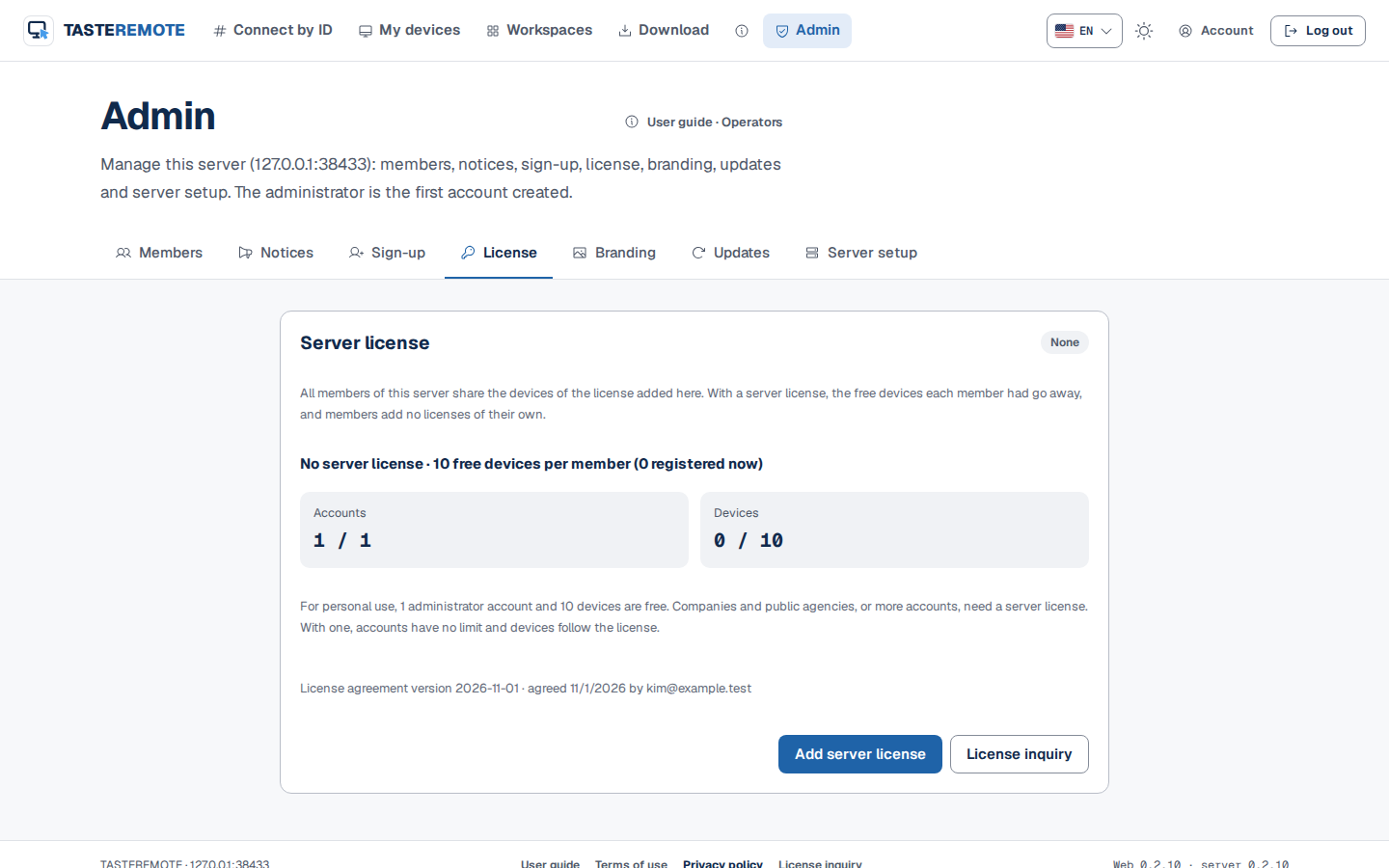
The license states are as follows.
| State | Meaning |
|---|---|
| In use · perpetual | A license without an end date. |
| In use · until a date | Within its term, so it applies. |
| Provisional file | A provisional license file with an end date. Replace it with the final file before then. |
| Maintenance ended · keeps working on this server version | The term has ended, but this server version came out before the end, so it keeps applying. |
| Expired · grace | You use a server version released after the end of the term. It applies only for 14 days after the end. |
| Expired · not applied | It does not apply. |
Without a server license, every way of creating a new account is blocked.
Existing accounts keep working. Accounts created with an earlier version, or before a license ended, can still log in and be used. Only creating new accounts is blocked.
When devices reach the limit, no pairing code for registering a new device appears. The administrator is told to add a server license in Admin › License or delete a device, and members are told to ask the server administrator. Devices already registered and their connections keep working, and deleting a device frees a place.
If you take out all server licenses, or they expire and no longer apply, each account goes back to 10 free devices.
The License inquiry link shows in the site footer, in the blocked sign-up notice, in Admin › License and in Admin › Sign-up. Where the link goes is set by RD_LICENSE_CONTACT_URL in the server settings.
https://tastedev.net/contact.https:// address or a mailto: address. Use it to send people to whoever handles licenses inside your organization.off, all inquiry links are hidden.RD_LICENSE_CONTACT_URL=mailto:[email protected]The settings file is /etc/tastedev-remote/tasteremote-signal.env for a package installation and .env for Docker. Restart the server after changing it. For details, see Server installation.
The host app does not ask for agreement when it first runs. The bottom of its window shows "By using TASTEREMOTE you agree to its license agreement." and View terms, which opens the license agreement in the browser.
Tip · The license agreement the administrator accepts when first installing the server is the same GXSOFT agreement. See Terms and consent.